





Table of Contents
Introduction
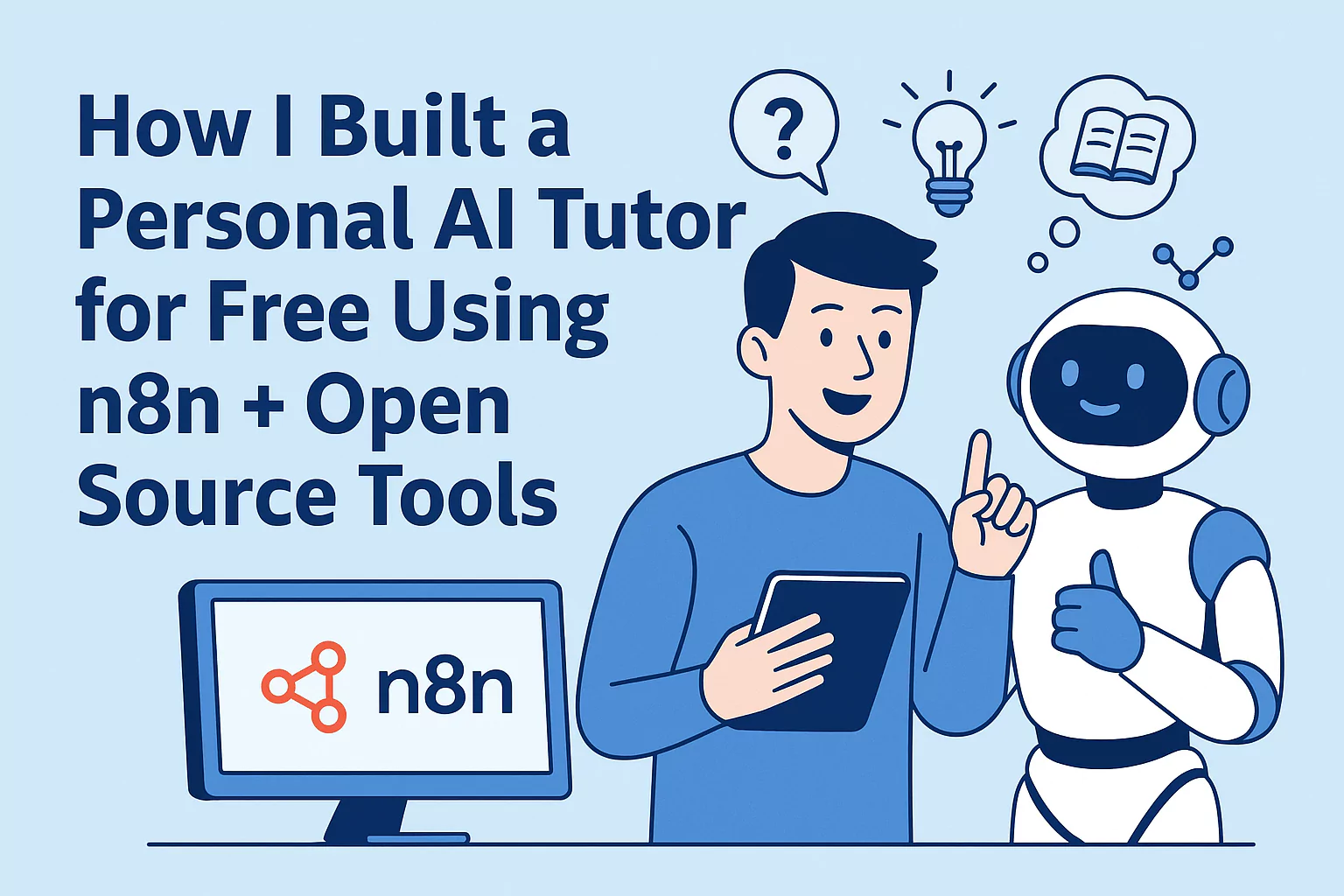
Most people think you need expensive platforms or premium subscriptions to get an AI tutor. But here’s the truth: you can build your own AI-powered tutor for free with a little creativity, open-source tools, and an automation platform like n8n.
In this post, I’ll walk you through how I set up a personal AI tutor that:
- Answers study questions in real time
- Summarizes lessons
- Generates quizzes
- Explains tough concepts like a patient teacher
All this using n8n, some free APIs, and a bit of tinkering. Think of this as me showing a friend how I did it — no jargon, no gatekeeping.
Step 1: Setting Up n8n
- Install n8n locally or use the free n8n.cloud trial.
- Once running, you’ll see the workflow editor — this is where the magic happens.
Step 2: Choosing an AI Model
For free/open-source usage, you have options like:
- OpenAI (free trial credits)
- Groq + LLaMA models
- HuggingFace Inference API
👉 For this tutorial, I used OpenAI (gpt-3.5) since it’s beginner-friendly, but you can swap it with any model.
Step 3: Creating the Workflow
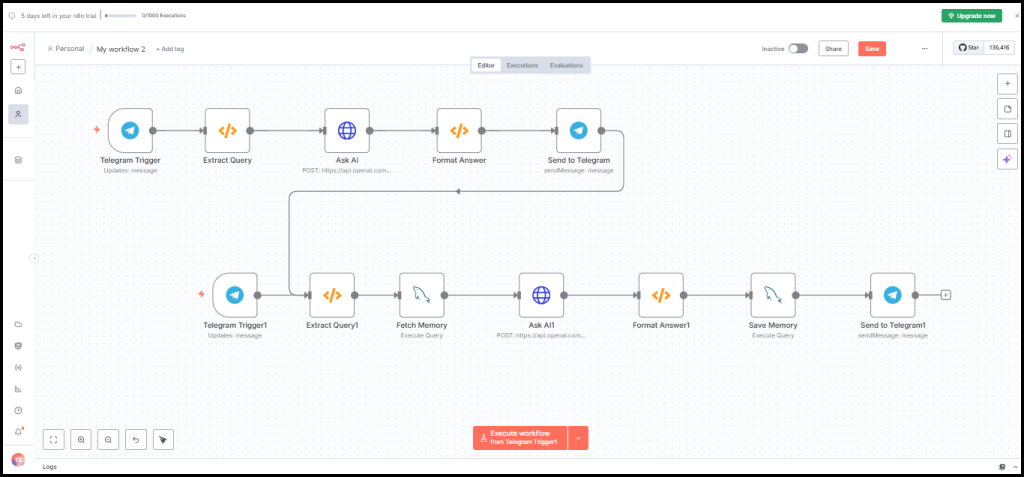
Here’s a simple n8n workflow JSON you can import directly:
{
  "nodes": [
    {
      "parameters": {
        "path": "ask-ai",
        "responseMode": "onReceived",
        "options": {}
      },
      "name": "Webhook",
      "type": "n8n-nodes-base.webhook",
      "typeVersion": 1,
      "position": [250, 300]
    },
    {
      "parameters": {
        "authentication": "headerAuth",
        "requestMethod": "POST",
        "url": "https://api.openai.com/v1/chat/completions",
        "responseFormat": "json",
        "jsonParameters": true,
        "options": {},
        "body": {
          "model": "gpt-3.5-turbo",
          "messages": [
            {
              "role": "system",
              "content": "You are a helpful AI tutor. Explain concepts clearly with examples."
            },
            {
              "role": "user",
              "content": "={{$json[\"query\"]}}"
            }
          ]
        }
      },
      "name": "OpenAI",
      "type": "n8n-nodes-base.httpRequest",
      "typeVersion": 1,
      "position": [500, 300],
      "credentials": {
        "httpHeaderAuth": "OpenAI API"
      }
    },
    {
      "parameters": {
        "responseBody": "={{$json[\"choices\"][0][\"message\"][\"content\"]}}"
      },
      "name": "Respond",
      "type": "n8n-nodes-base.respondToWebhook",
      "typeVersion": 1,
      "position": [750, 300]
    }
  ],
  "connections": {
    "Webhook": {
      "main": [
        [
          {
            "node": "OpenAI",
            "type": "main",
            "index": 0
          }
        ]
      ]
    },
    "OpenAI": {
      "main": [
        [
          {
            "node": "Respond",
            "type": "main",
            "index": 0
          }
        ]
      ]
    }
  }
}
How it works:
- Webhook Node → accepts your question (like “Explain photosynthesis”).
- HTTP Request Node → sends it to OpenAI (or any model).
- Respond Node → gives you a clean, teacher-like answer.
Step 4: Testing the Tutor
- Open the Webhook URL in your browser.
- Add a query (e.g.,
?query=Explain Newton's Third Law). - Watch your AI tutor reply instantly.
Step 5: Expanding the Tutor
Once you have the basics working, here’s how you can level up:
- Add Quiz Generator → ask the AI to generate 5 questions after each topic.
- Summarize Notes → upload a text/PDF and let AI create a summary.
- Voice Mode → connect with TTS (like ElevenLabs or Coqui.ai).
Why This Matters
Education should be both accessible and personal. While my experiment helps me revise coding concepts and quiz myself before deadlines, platforms like UWorld already excel at making complex topics easier to learn in a structured way. This project is simply a demonstration of what’s possible with open-source and AI, not a replacement for proven learning systems.
FAQs
Q1. Is n8n really free?
Yes. You can self-host n8n on your computer or server for free. They also offer a cloud version with free credits.
Q2. Do I need coding skills to build this AI tutor?
Not at all. You just need to drag, drop, and connect nodes. Importing the workflow JSON is enough.
Q3. Which AI models can I connect to n8n?
You can use OpenAI, HuggingFace models, Groq + LLaMA, or even run local models with Ollama.
Q4. Can I run this tutor offline?
Yes, if you use local models like LLaMA 2 or Mistral with Ollama, you don’t need internet access.
Q5. Is it safe to share personal study data with AI tutors?
Yes, but avoid sharing sensitive personal data. For privacy, prefer self-hosted or local AI models.
Q6. How do I ask the AI tutor questions?
You simply open the webhook URL and add your query in the URL (e.g., ?query=Explain gravity).
Q7. Can I add voice to my AI tutor?
Yes! You can connect text-to-speech (TTS) tools like ElevenLabs, Coqui.ai, or Google TTS.
Q8. Will this AI tutor work on mobile phones?
Yes. Once hosted, you can access the webhook from your mobile browser just like a website.
Q9. How do I improve the tutor’s answers?
You can tweak the system prompt (in the workflow JSON) to make the tutor explain more simply, add examples, or even sound like a professor.
Q10. Can I create quizzes with this tutor?
Yes! Just add a workflow step asking the AI: “Create 5 multiple-choice questions on this topic”.
Q11. How does this compare to ChatGPT?
ChatGPT is ready-to-use, but with n8n you get full control, free hosting, and customization for your own study needs.
Q12. Can students collaborate with the same tutor?
Yes, if you host it on a server, multiple students can use the same AI tutor at once.
Q13. What subjects can this AI tutor teach?
Anything the AI model knows — from school science to coding, history, and even exam prep.
Q14. How much does it cost monthly to run?
If you use free tiers or local models, it can cost zero. With paid APIs (like OpenAI), expect $5–10/month depending on usage.
Q15. Can this AI tutor replace real teachers?
No. It’s a support tool to help with self-study. Teachers and mentors provide context, empathy, and guidance AI cannot replace.
Reference Links: